Lose the server. Keep the people.
Members verify once. After a raid, a nuke or a deleted server, SaveGuild adds every one of them back and rebuilds your roles and channels from a backup.
Free for one server. No card needed.
- Created
- 2026
- Servers protected
- 15
- To get started
- $0
- Click to restore everyone
- 1
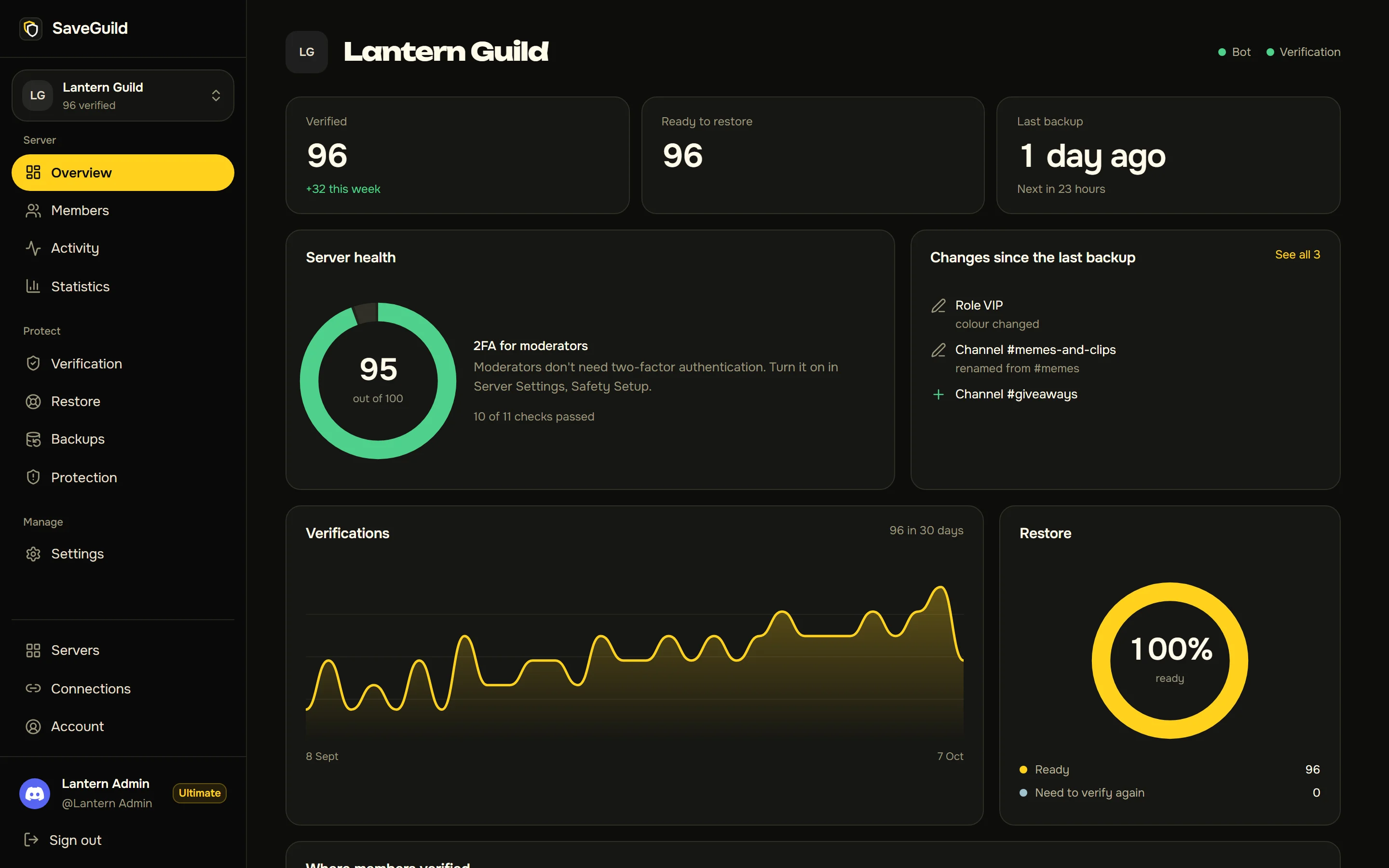
The dashboard for a demo server. Its members are made up.
Everything your server needs to come back.
Set it up once. If something happens, it's one page and one button.
Verification
Members approve SaveGuild on Discord's own screen, in the browser or without leaving Discord.
Member restore
Add everyone back after a raid or a mass kick, or move them to a server that replaces yours.
Server backups
Roles, channels, permissions, emojis, AutoMod and onboarding, saved on a schedule. See what changed, and preview a restore before it runs.
Raid and nuke protection
Spots raids and mass deletions, tells you straight away, and undoes the damage in one click.
Emergency lockdown
One button pauses new invites and DMs between members while you deal with a raid or a stolen account.
Permission alerts
Your staff hear the moment someone gives out Administrator or other powers that could take the server over.
Alt and VPN blocking
Account age, avatar, VPN and one-account-per-connection checks keep raiders off your list.
Server health
A score out of 100 shows what's left to set up, and what's changed since your last backup.
Your own bot
Run everything under your own bot's name and avatar, so members see your brand.
Three steps. The last one is a button.
- 1
Members verify
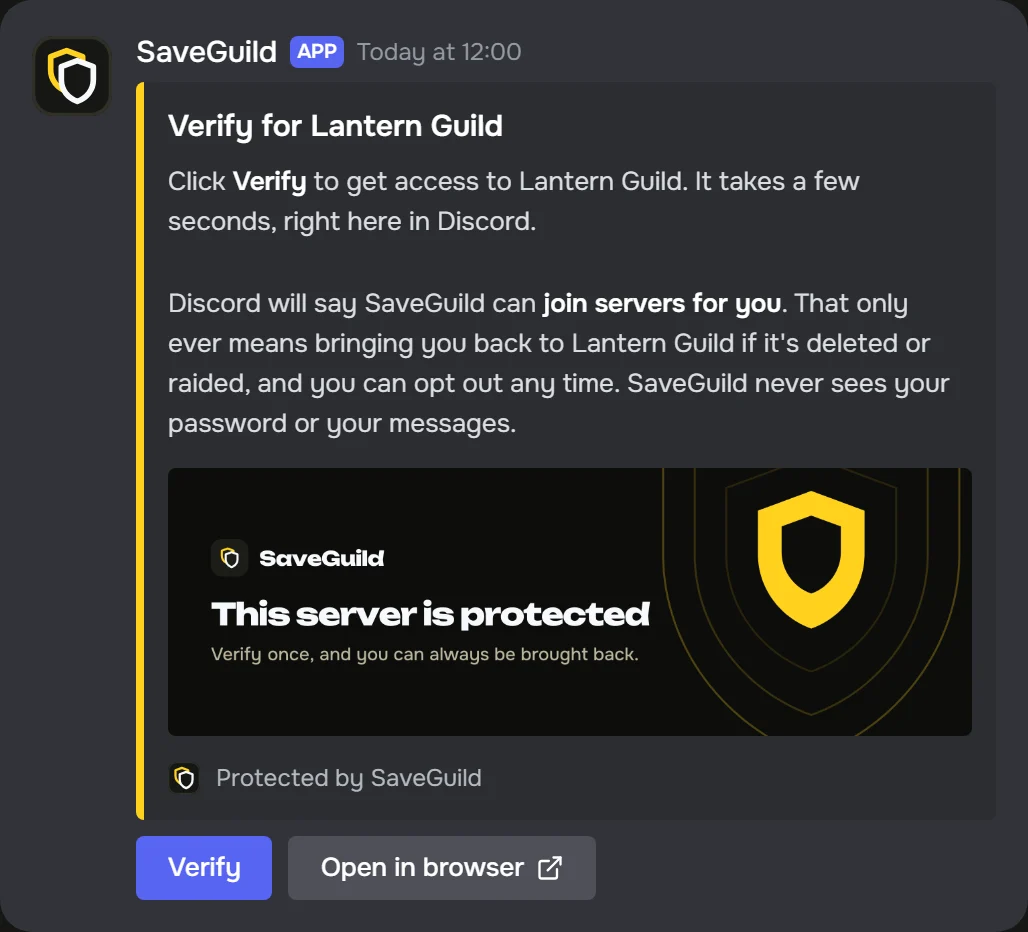
Post the verification message in your server. Members press Verify and approve SaveGuild on Discord's own screen, without leaving Discord.
- 2
They're on your list
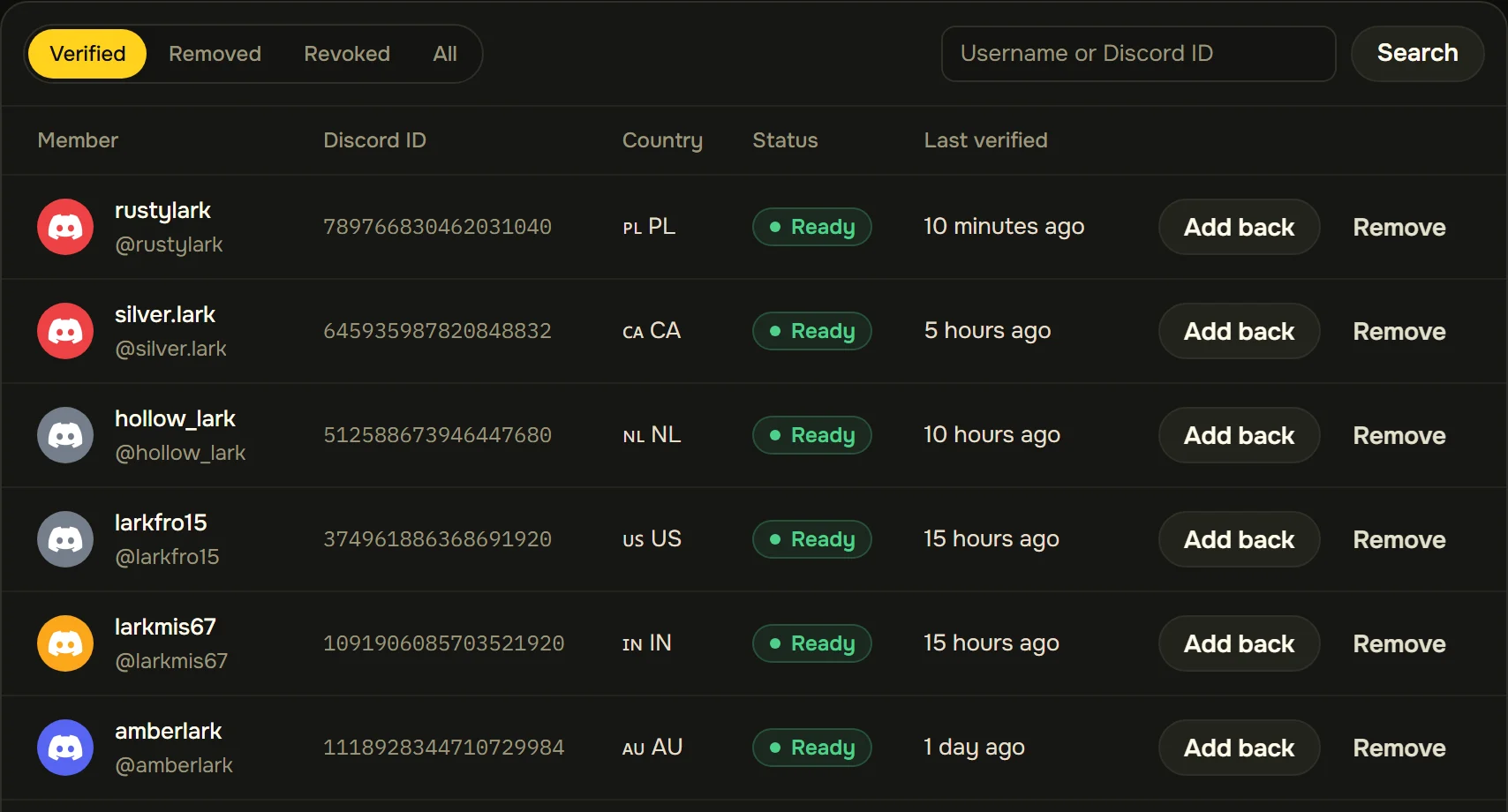
Every verified member is kept: who they are, where they verified from, and whether they can be restored.
- 3
Restore them
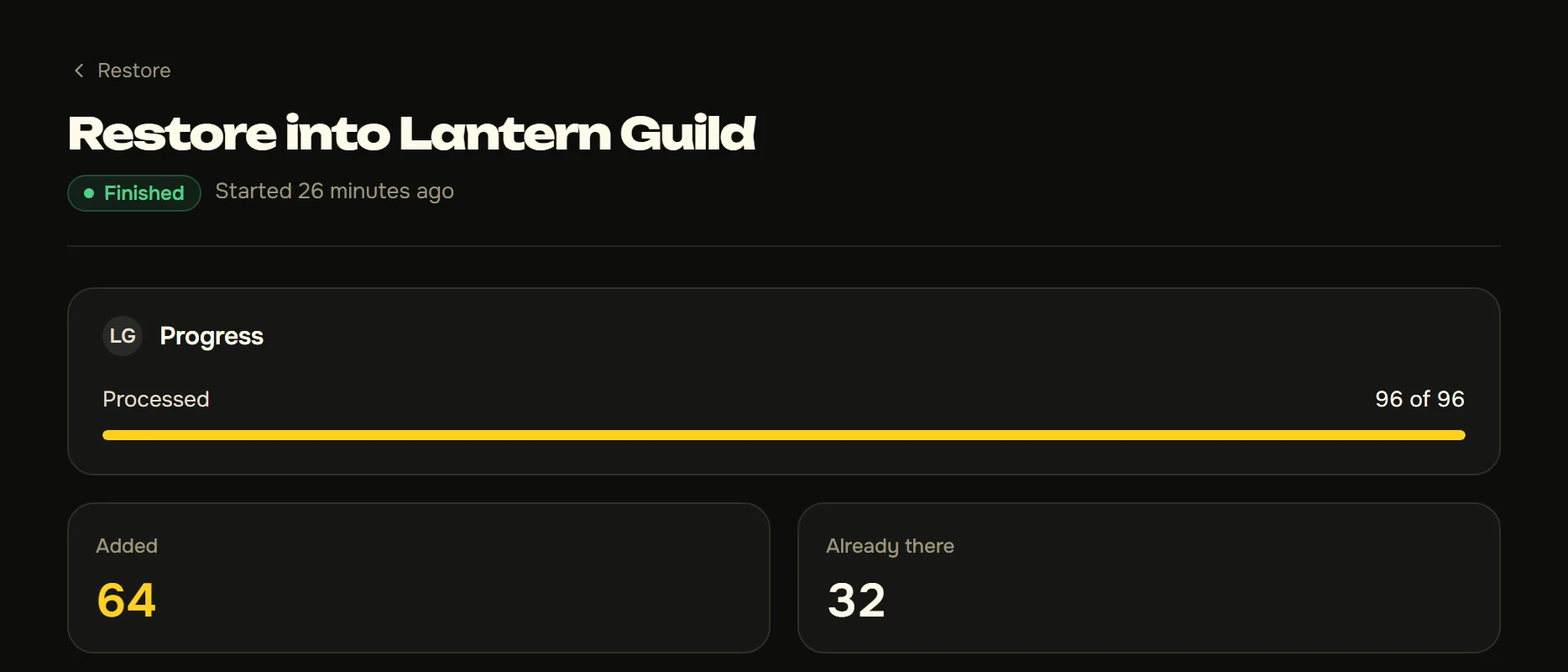
Press Restore. Everyone who's missing is added back, given their role, and sent a message saying so.
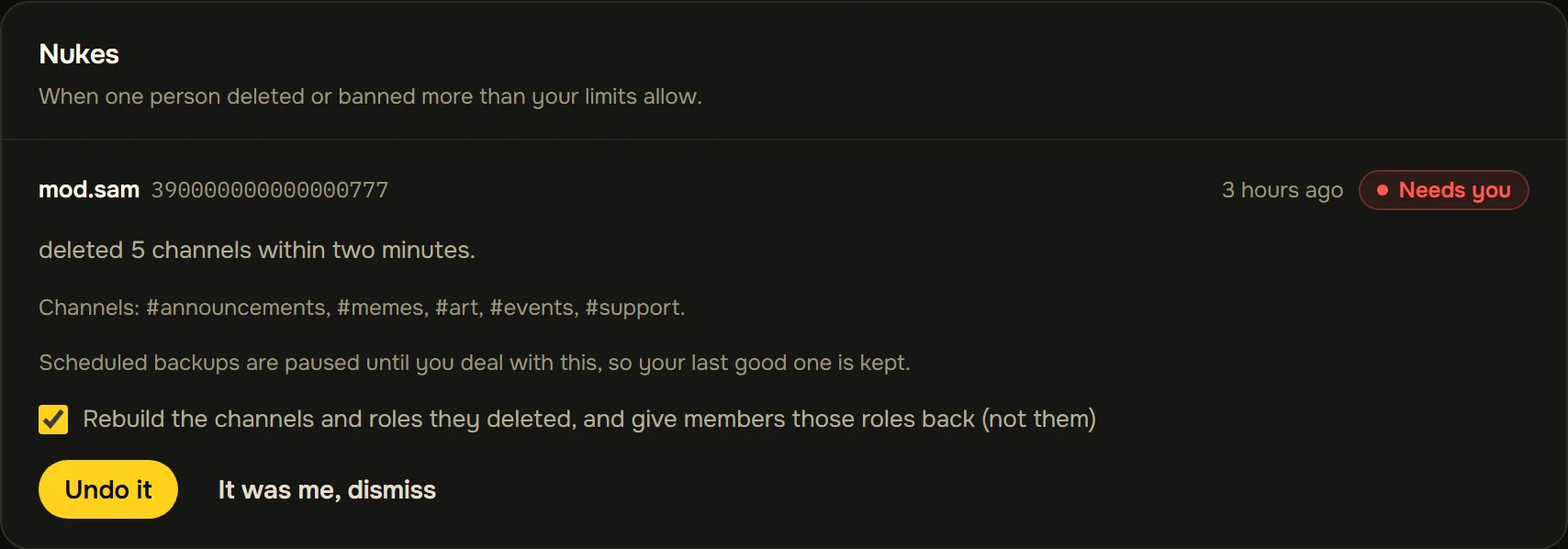
Someone nukes it. You press Undo.
SaveGuild notices when one person deletes channels, roles or members faster than your limits allow. You get an email and a DM straight away, and one press rebuilds what was deleted from your latest backup.
Your members stay yours.
Moderators can run the server. Moving members anywhere else takes the owner's account, so a rogue moderator, or a stolen one, can't walk off with your community.
Only you can move members
Moderators can restore members into your server. Sending them anywhere else takes the owner's account.
Members are told every time
Each person added gets a Discord message with a one-click opt-out.
Nothing it doesn't need
No passwords, no Administrator permission, and it never reads messages.
Encrypted at rest
Members' Discord permissions are stored encrypted, and only ever used to add them back.
Start free.
Compare plansFree
- 1 server, plus a standby
- Restore 100 members a run
- Raid alerts and emergency lockdown
- Weekly backups
Pro
- 5 servers
- 1,000 members a run
- Anti-nuke that stops nukers
- Removes people who don't verify
- Your own bot, daily backups
Ultimate
Best value- Everything in Pro
- Unlimited servers
- Every member in one run
- No SaveGuild branding
- Backups every 6 hours
- All-time statistics
Verification is unlimited on every plan.